JupyterGIS
Carto-Lab Docker includes the base JupyterGIS in its server environment (jupyter_env) as of version v1.1.0. This allows creating and opening JupyterGIS projects. Because Carto-Lab separates the JupyterLab interface (jupyter_env) from execution kernels (worker_env), note the following
- The GIS editor, QGIS compatibility, and collaborative map visualizer are fully active in the browser because they run inside
jupyter_env - If you want to use the jupytergis Python API inside a Jupyter Notebook (e.g. programmatically building maps via Python code), you will need to add
jupytergisto your working environment as well. Currently, jupytergis is not made available by default in theworker_env.
Furthermore, take a look at the :qgis flavor of Carto-Lab, which explains how to extend the base image with full QGIS support, including the juyptergis-qgis bridge.
How to use
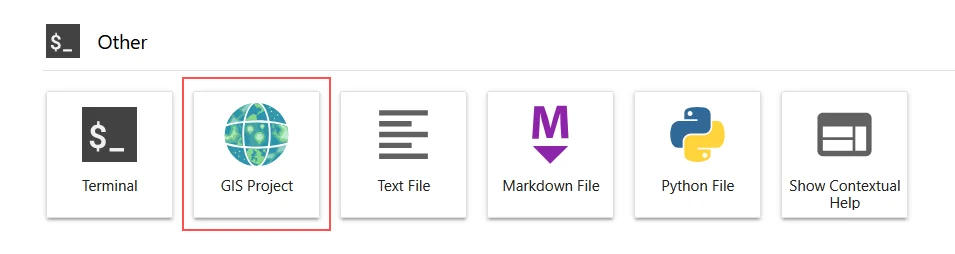
Start or create a JupyterGIS project in the Launcher:
Tip
Read the Getting Started with JupyterGIS if you want to know how to use this package. JupyterGIS also features Real Time Collaboration, so you can share your session with colleagues to co-edit GIS projects.