
Your Reproducible Environment for Spatial Data Science
Carto-Lab Docker is a FAIR-enabling computational environment, officially supported by the IOER FDZ. It provides a versioned, pre-configured JupyterLab server in a Docker container, designed to make transparent and reproducible spatial analysis accessible to everyone.
Why Carto-Lab Docker?
Carto-Lab Docker is addressing the Geospatial Dependency Hell! Spatial data science is notoriously difficult to setup, share, and preserve over time. Unlike general data science that is often plain Python or R, geospatial software depends on a nested hierarchy of compiled C/C++ system libraries: GDAL, GEOS, and PROJ. This creates three big challenges in academic spatial research:
- "Dependency Hell" and Software Drift: A minor mismatch between Conda channels or OS-level C-libraries can break projection algorithms, cause geometry calculations to fail, or render an analysis unrepeatable six months later.
- Disconnected GUI GIS and Code: Researchers are forced to choose between the visual interactivity of desktop GIS (QGIS, ArcGIS) and the programmatic reproducibility of Jupyter notebooks.
- Reproducibility Crisis: Published papers rarely provide the exact computational environment needed to re-generate their spatial figures and maps.
Carto-Lab's Solution
Carto-Lab Docker is an immutable, complete spatial laboratory:
| What Researchers Typically Face | How Carto-Lab Docker Solves It |
|---|---|
| Local Conda / Pip Installs Fragile, prone to solver conflicts with GDAL/PROJ, difficult to transfer across Windows/Mac/Linux. |
Guaranteed Computational Snapshot The entire OS, C-libraries, and Python/R environments are frozen into tagged, permanent Docker releases. |
| Desktop GIS (QGIS / ArcGIS) Great visual tools, but manual point-and-click workflows are impossible to track, audit, or reproduce in papers. |
Integrated Headless & Web GIS Execute native QGIS/GRASS algorithms via code, inspect .qgz projects in the browser, and keep every analytical step scripted. |
| Institutional Cloud / JupyterHub Often locked behind complex IT bureaucracy, expensive cloud subscriptions, or strict data egress limits. |
Self-Contained & Deployable Anywhere Runs with zero bureaucracy: 3 commands on a personal laptop, or scaled across a lab server via rootless Docker. Zero Startup Time, & personalized! |
Get Started
Ready to try it out? Our quick-start guide will help you run your first JupyterLab session.
Environments & Flavors
To keep the base environment lightweight and stable, Carto-Lab Docker utilizes a "Base + Flavors" architecture. You can choose the exact container variant that fits your research needs:
- 🐍 Python (Base): The core image. Includes the most important packages for spatial statistics, cartography, and data visualization (e.g., GeoPandas, Rasterio, Bokeh, HoloViews, GDAL).
- 📊 R Environment: Extends the base image with a comprehensive R toolchain, including
sf,terra,ggplot2, andtidymodels. - 🌍 QGIS & JupyterGIS: Injects the full QGIS desktop engine, allowing you to open
.qgzfiles visually in the browser or run QGIS algorithms programmatically via the Python API. - 🌱 GRASS GIS: Includes the massive GRASS GIS engine and the
grass.jupytercompanion package for advanced topology and raster analytics. - 🗺️ Mapnik: Includes the OpenStreetMap C++ rendering engine for high-performance map tile generation.
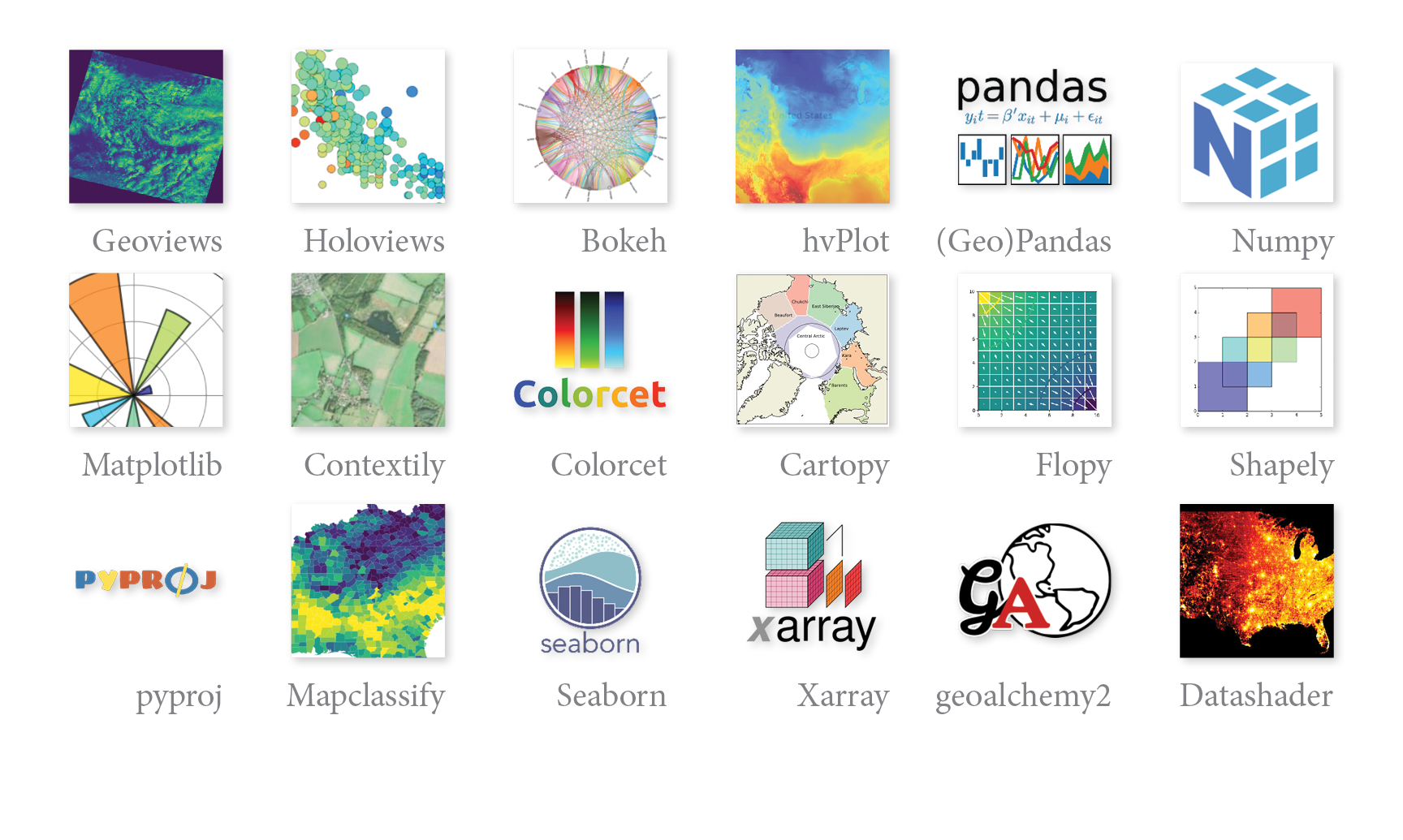
Adding your own tools
The default environments provided in Carto-Lab Docker are for convenience and do not claim to be complete. See our documentation for several ways to extend the environments or create your own.
Institutional Support
As an official research infrastructure component of the FDZ IOER, Carto-Lab Docker is actively maintained to ensure its stability and long-term sustainability. You can learn more about its history and governance on our About page.